
Moins jeter, how it works: simple, free, no app to install
Give an item to a neighbour, know when to put your bins out, report a full container: it all happens on your phone, on a simple web page.
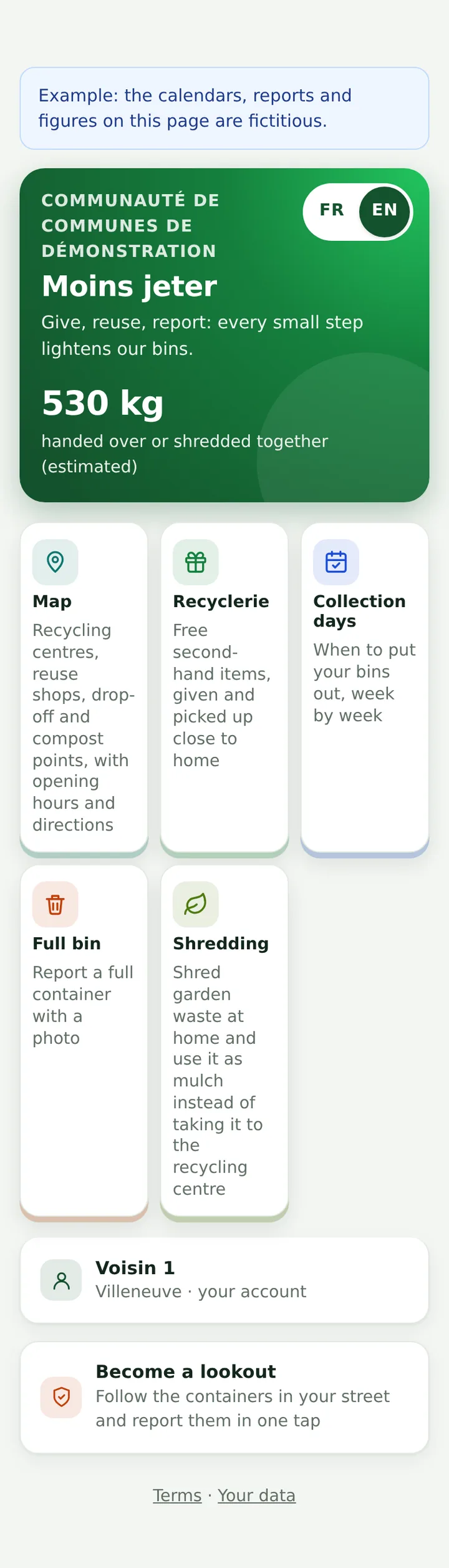
Access
How to get there
- The service is opened by your local authority, for its residents. Nothing to download: it is a web page.
- Scan the QR code on a container, or open the link given by your town or your council.
- To find it again in one tap: “Add to home screen” from the service's home page.
- Your local authority does not offer it yet? Ask your town hall.
Recyclerie
Give or take an item (Recyclerie)
- Create your account: a first name, your email address, your town. No password: a link arrives by email.
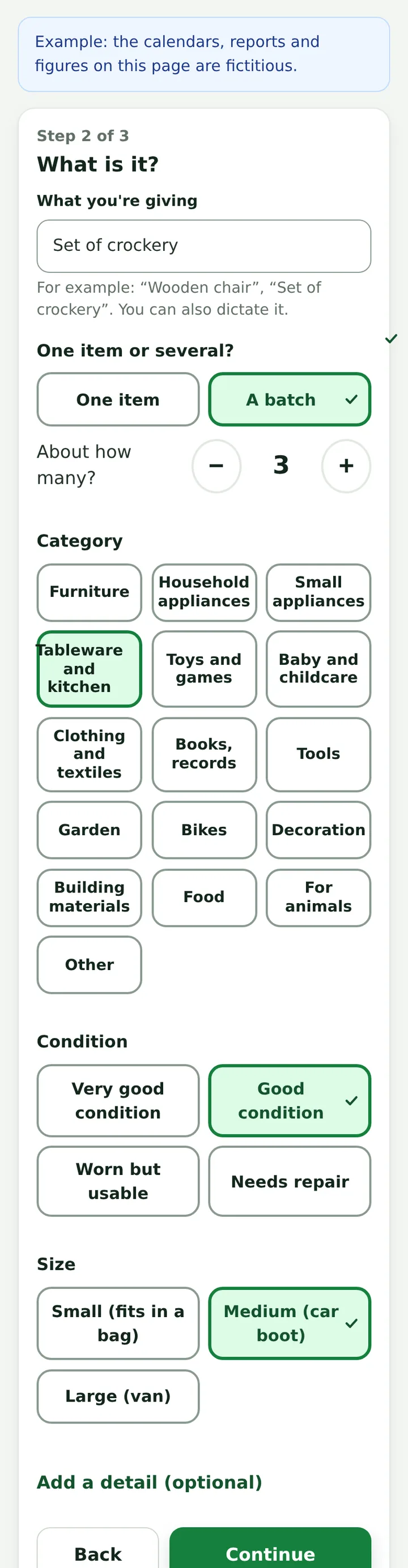
- To give: take a photo, say what it is (one item or a batch), choose where to hand it over.
- Your first two listings are reviewed by the local authority before they are published.
- To take: “I'd like it”, pick a time; you can ask the giver a question.
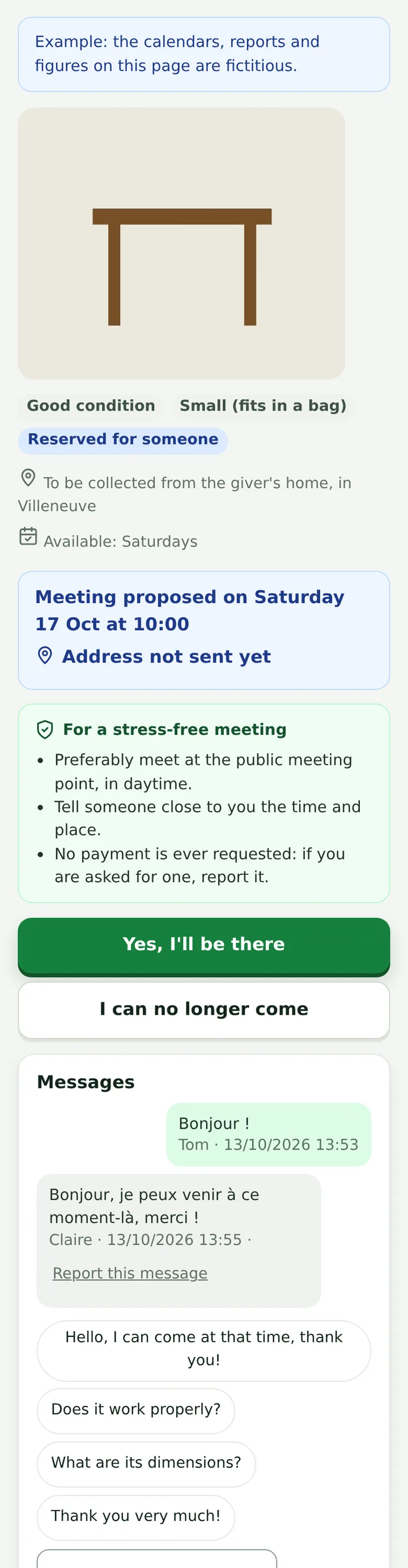
Meeting
A safe meeting
- Meetings take place preferably at a public point offered by the local authority.
- Phone numbers, email addresses and links are hidden in messages: stay in the messaging.
- A reminder the day before; on the day, “Yes, I'll be there”. Nothing is ever paid.
- A problem? “Report” or “Block” a person, in one tap.
Full bin
Report a full container, become a lookout
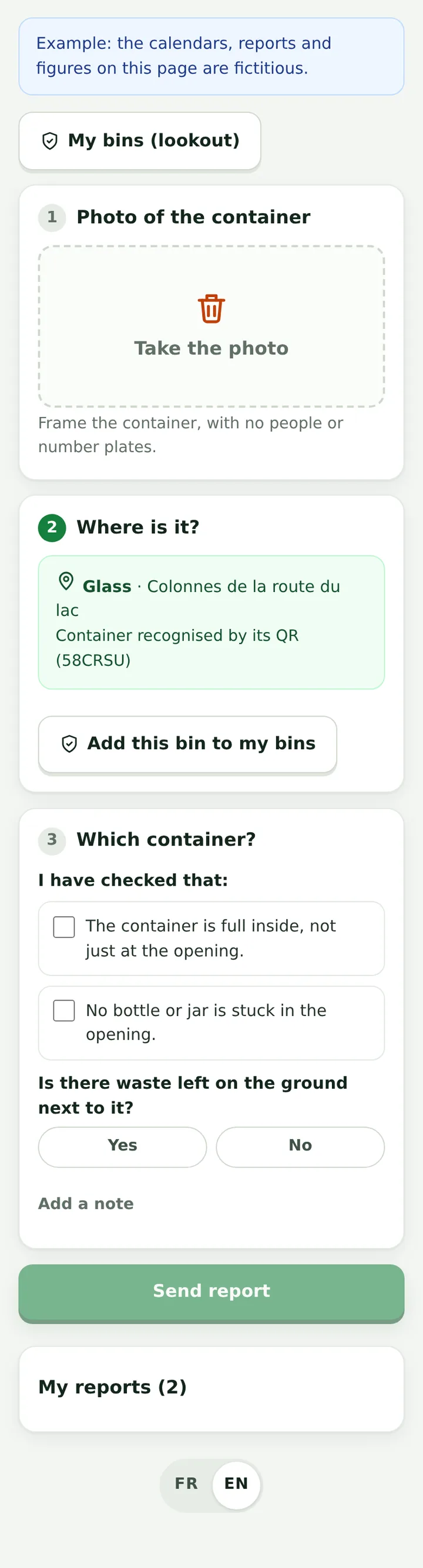
- Scan the container's QR code: it is recognised straight away.
- Take a photo now, tick what you checked, send. Do not open a badge-operated container to check.
- You are told when it has been emptied.
- Lookout: follow the containers in your street in “My bins” and report them in one tap. No cash reward: a service to others.
Day to day
Collection days and your data
- Collection days: choose your town (and your area if there are several rounds), then “Add to calendar” (iPhone) or “Add to Google Calendar” (Android).
- Your email address is never shown to others; only your town is.
- Messages about a giveaway are deleted three months later. You can delete your account at any time.
Access offered, on your own area
Request access for your local authority
- Open the access page and enter your work email address: it is checked against the official directory of the French administration.
- Enter the code you receive by email: you go straight into your institution's own space, locked to its area.
- Open the waste service there: your municipalities and the tools in service are already set; your recycling centres, the drop-off points mapped on OpenStreetMap and your profile follow shortly, taken from public data. Nothing fictitious: it is your area.
- Each colleague signs in with their own address and joins the same space. Each address is valid for one month; access ends by itself.
Reserved for French public bodies: municipalities, inter-municipal bodies, waste syndicates, departments, regions, public establishments, State services. The access pages and the tool's settings screens are in French. Address not recognised? Write to us.
Demo
Or see the demo first
See right away, without asking for anything, what residents see: the Recyclerie (giveaways), collection days, full bins, the map, shredding. The content is an example, labelled as such on every screen.
For the local authority side (dashboards, settings, article 58 return), sign in with your work email: a code is sent to you and you land directly in the waste service.